LOOP DARLING ♡ / HELP CENTER / PATTERN SOURCES
Importing Patterns & Reading PDFs
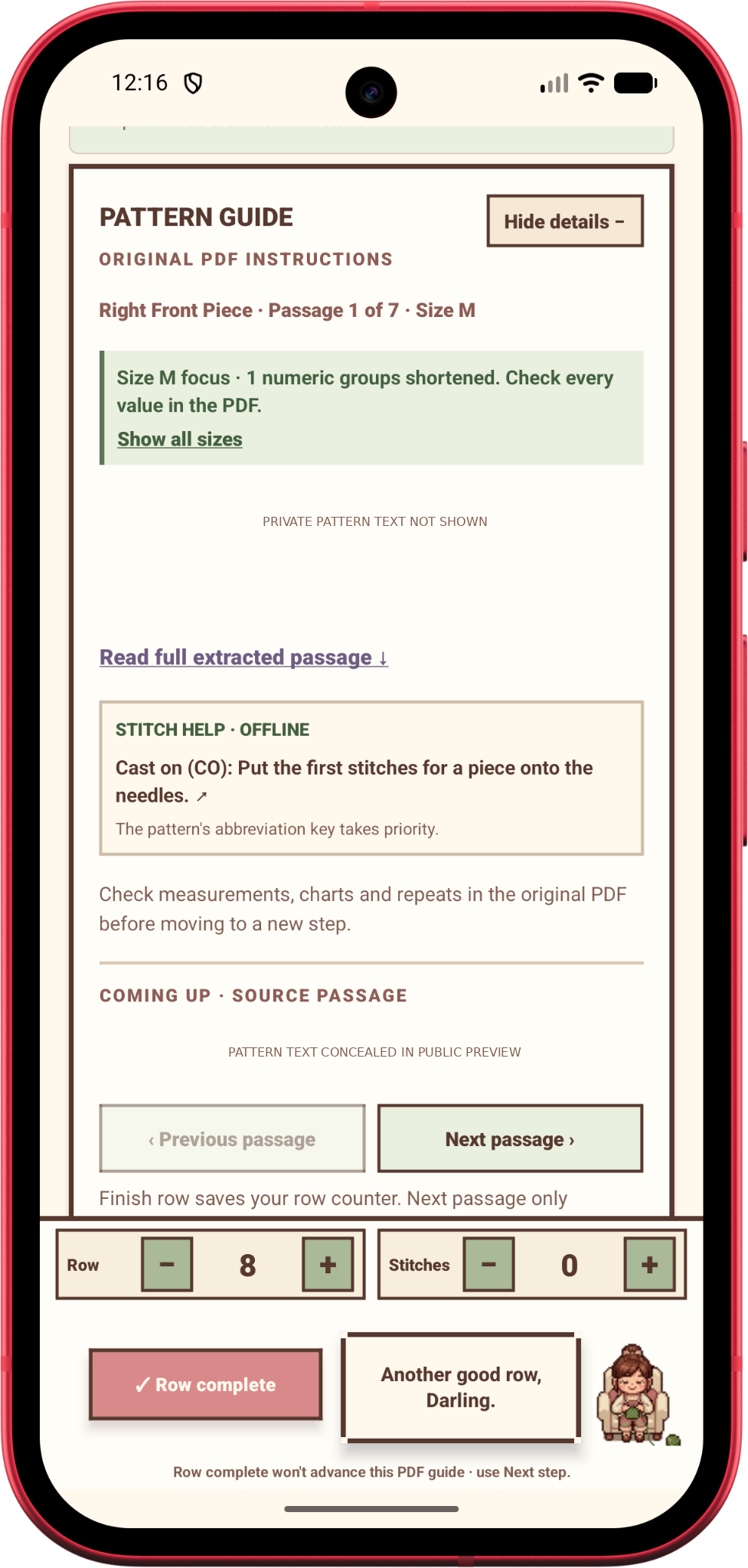
Loop Darling keeps your original pattern available while you track progress. Importing a document does not mean its diagrams, repeats and sizes have all been interpreted.
Choose a pattern source
From an existing project, open the pattern import/setup controls. Supported source categories in the beta include PDF documents, photos or screenshots, website links, and pasted written directions.
A website URL is saved as a reference; the app does not secretly crawl, download or translate the linked webpage. You can attach pasted instructions separately.
Your original PDF
On Android, the native PDF reader can show original pages, including layout and visual charts. Use page navigation, fit or zoom and saved reading position to inspect the actual designer instructions.
The app stores imported document files locally. The original PDF remains the authority when the text interpretation looks uncertain.
What the local reader understands
For PDFs with selectable text, the offline extractor can propose written row or round steps and can recognize some section labels, size choices and measurement checkpoints.
A simple, explicitly numbered written pattern may produce a draft guide you can review before using. This does not involve a cloud AI call.
When the pattern is complicated
A garment may have different pieces, multiple sizes, diagrams, measurements or repeats. In those cases the reader is intentionally cautious instead of pretending a few rows describe the whole project.
Choose your intended size and work section where the interface offers them. Verify candidate stitch counts against the source, especially when sizes are marked with circles or other graphics.
When no steps appear
Scanned/image-only PDFs, crochet charts, diagrams and complex page layouts may not create usable step instructions. They can still be kept as original sources alongside manual counters and your notes.
Image OCR, chart-symbol interpretation and optional Atelier AI assistance remain future work. If the guide is missing, try the original PDF viewer rather than assuming your import was lost.
Privacy
The prototype’s normal reading and counting happen locally. The proposed future AI service and public pattern marketplace are separate systems and are not enabled for automatically uploading personal PDFs.
Related help
← Back to Help & Documentation
Based on the Loop Darling Android beta source. Steps may change as the app is tested and updated.

